Aiphotoeditor

AI Photo Editor with Text Prompts

Model
A Guided photo editing
Describe your idea, then continue to the editor.
Quick Select: Portrait edit Background New style
Image Upload
Bring your image to the editor Upload your image after continuing
0/1000

Your image is uploaded on the destination site.

Try these examples

Best AI Photo Editor for Consistent Characters

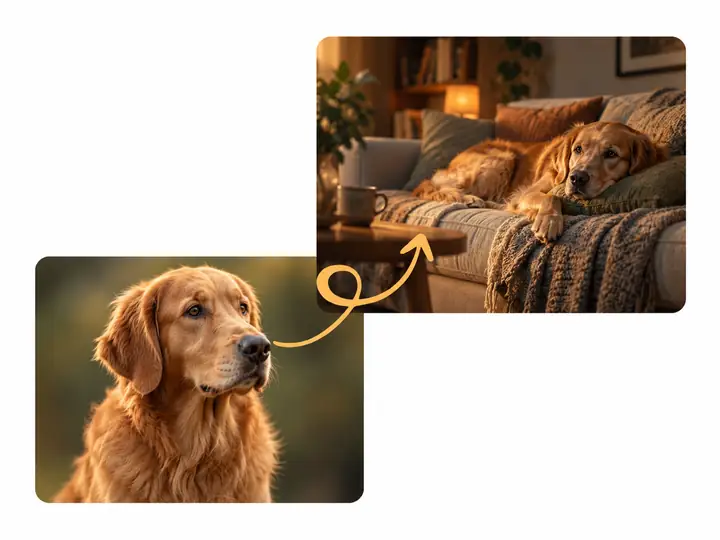
When a character appears across several images, consistent faces, proportions and styling help the story feel connected. Explore photo-editing approaches for new poses, outfits and settings while keeping the original subject in mind. For ideas that begin with words rather than a photograph, visit our AI Image Generator.

A dog portrait and a second scene showing the dog resting on a sofa

Precision Editing with an AI Photo Editor Online

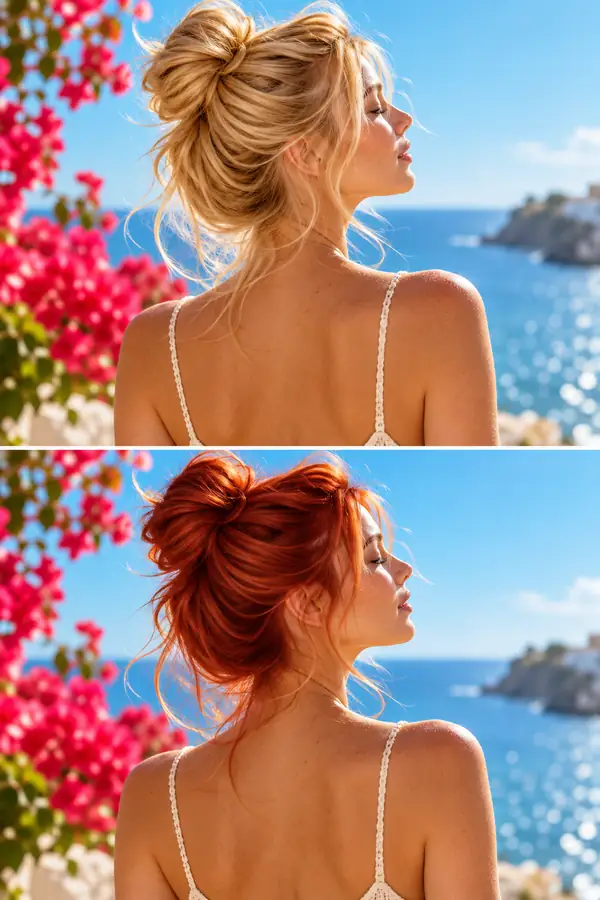
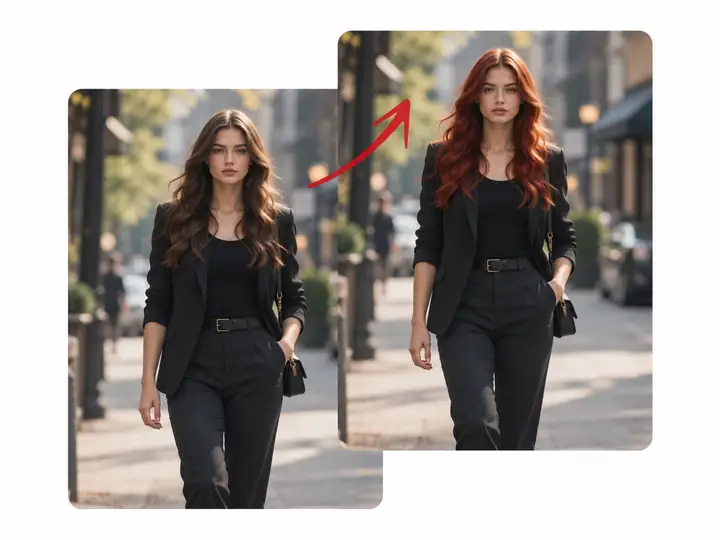
A clear instruction can focus an edit on a particular detail—hair, a sky, a logo or a distracting background—without losing sight of the rest of the composition. Describe the adjustment you want, review the result and, when your project needs a larger image, explore our image upscaler.

Two street portraits showing a targeted change to a person's hair color

Seamless Text Editing with an AI Photo Editor

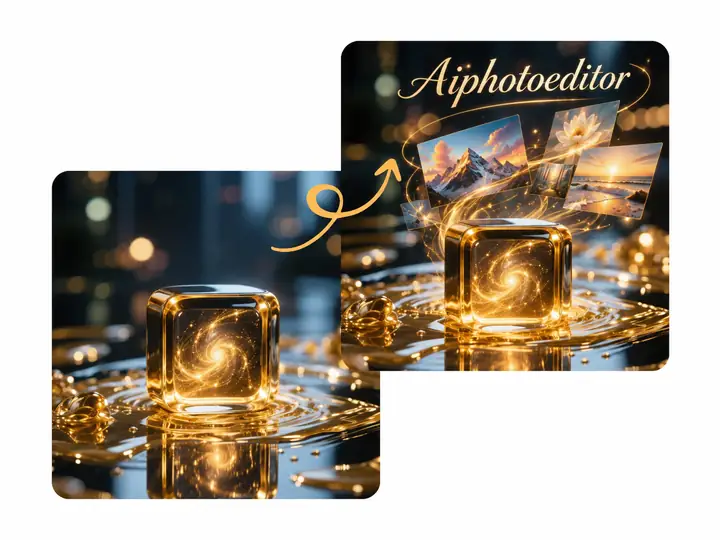
Words can be part of an image rather than an afterthought. Try directions for a caption, a product name or a short headline that suits the scene's perspective and lighting. Thoughtful placement helps promotional graphics, social posts and product visuals look more cohesive.

A perfume photograph beside a version with elegant lettering added above the bottle

Creative Style Transfer & AI Image Generator Capabilities

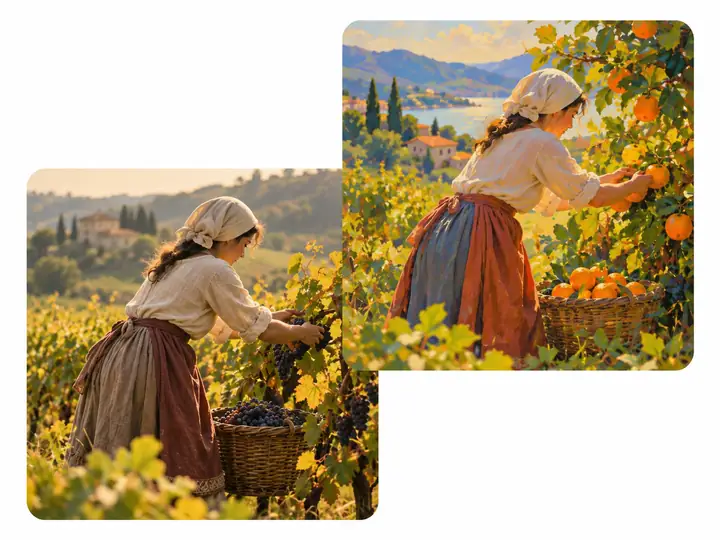
A reference image can communicate a visual direction that is hard to put into words. Explore new colors, textures and artistic moods for an existing photo while keeping its important subject visible. It is a useful starting point for creative projects, design concepts and personal images.

A harvest photograph beside a more colorful, painterly interpretation of the same scene

Background Replacement via AI Photo Editor

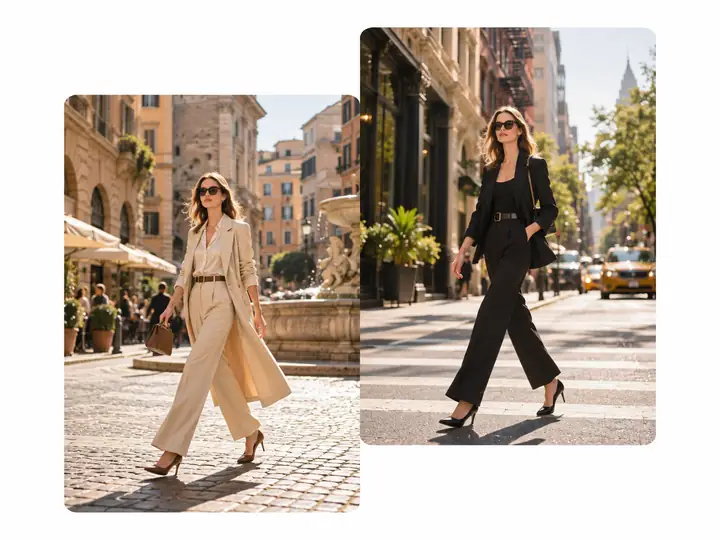
The setting behind a subject can change the entire feel of a photograph. Describe a simpler product backdrop, a different portrait location or a more fitting scene for a social post. A specific prompt helps communicate which parts of the image should stay and which surroundings should change.

A fashion portrait shown in two different city-street backgrounds

Real-World Use Cases for the AI Image Editor

E-commerce & Online Stores using an AI Photo Editor

Product photos have to look clear and consistent across a storefront. An editing prompt can describe a cleaner backdrop, more balanced colors or a different setting for a listing. Plan a collection of visuals that feels connected, whether the images are destined for a shop page, a catalog or a campaign.
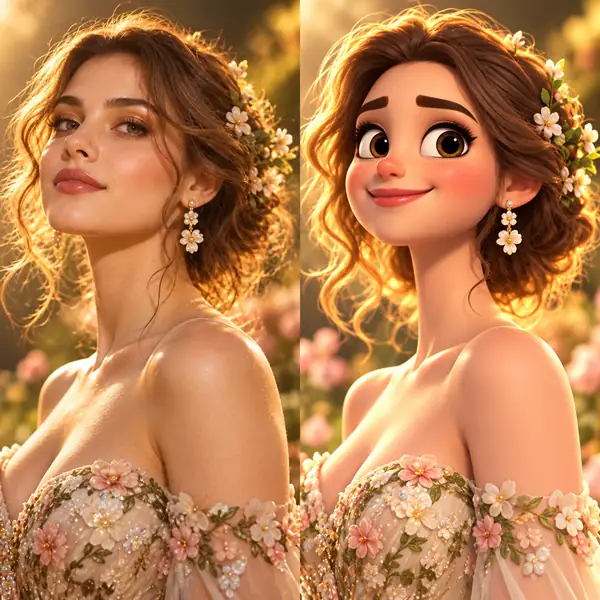
A photographic portrait next to a cheerful animated interpretation

Social Media & Content Creators seeking an AI Image Editor

Creators often need several looks for one idea. Describe an illustrated portrait, a fresh location or a distinct color treatment for a post. Testing styles and backgrounds can help shape a recognizable visual identity for short-form videos, social feeds and personal projects without starting each concept from scratch.

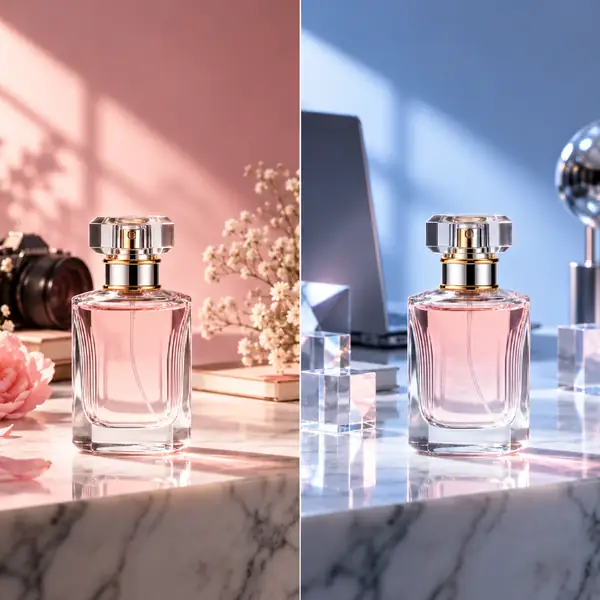
A perfume bottle photographed against neutral and soft pink studio settings

Professional Marketing with an AI Photo Editor

A campaign may call for product images in several moods and formats. Use precise descriptions to explore a new backdrop, a seasonal palette or room for a headline. Comparing directions before choosing one helps teams develop visuals for ads, banners and other marketing materials.

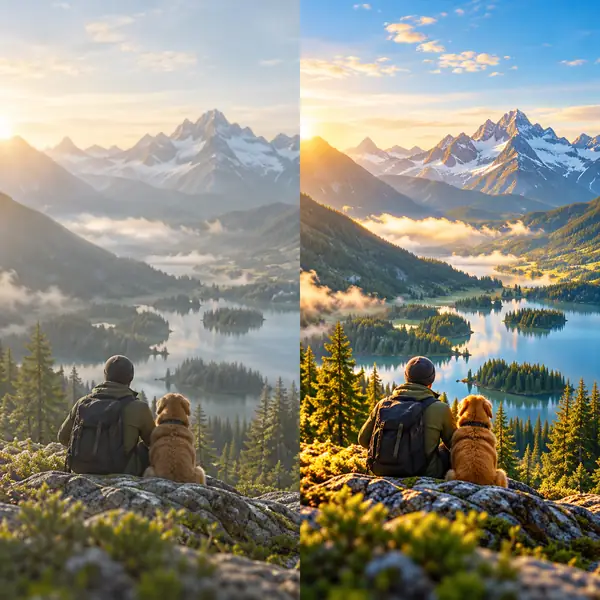
A mountain valley shown before and after a vivid color adjustment

Photography & Personal Use via AI Image Editor

Personal photographs can benefit from a careful second look. Describe better lighting, gentler colors or a less distracting background for a favorite image. Whether it is a portrait, travel photograph or family keepsake, keep the details that matter while exploring how the finished picture might look.

Why Use Our AI Photo Editor

Professional-Grade Editing Online

Bring several kinds of photo-editing ideas together: a different background, a portrait adjustment, an object to remove or a new visual style. Start with a clear description of the result you want.

Smarter AI Image Editor, Cleaner Results

Details make an image recognizable. Describe the subject, the setting and what should remain unchanged alongside the new look you have in mind. Review the output against your original creative direction.

Creative Options for Every Workflow

A portrait, product shot and landscape each need a different approach. Explore editing ideas suited to the image in front of you, from subtle refinements to a more expressive transformation.

How to Use Our AI Photo Editor

1

Choose Your Editing Approach

Think about the image you have and the change you want to see. A focused direction makes it easier to communicate the intended result.

2

Upload Your Image in the Editor

Continue to the destination editor to provide the photograph you would like to work with. Your image is not uploaded through this page.

3

Describe Your Vision

Write a prompt such as “replace the background,” “warm up the lighting” or “give this portrait a painted style.” Include details about what should stay the same.

4

Review Your Image

Compare the edited image with your original idea. If the direction needs refining, adjust the description and explore another version in the editor.

Explore photo tools
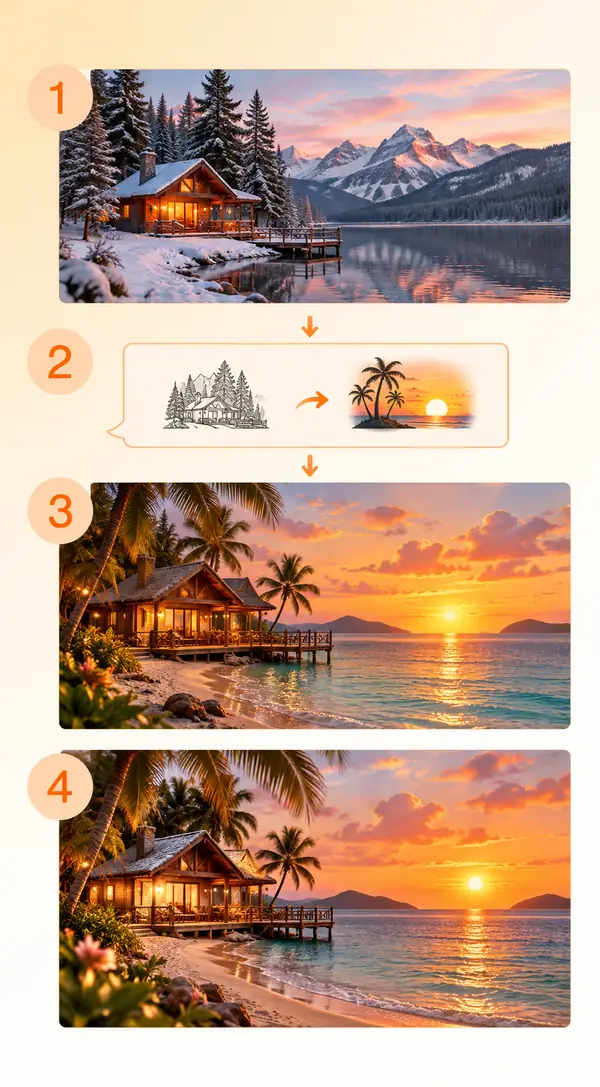
A four-step visual guide showing an image upload, an editing prompt and an example result

What Users Say About AI Photo Editing

P
“A clear editing prompt makes it easier to explore how a simpler background might change the feel of a product photograph.”
“I like being able to compare a few visual directions before deciding what works best for an older photograph.”
“For an online store, the background and lighting can make a big difference. Planning those edits before updating a product image keeps the look consistent.”
— Small business perspective
— Personal photography perspective
— E-commerce perspective

FAQ

An AI photo editor is a tool for exploring image changes through instructions. You might describe a new background, a different color treatment or an adjustment to a particular part of a photograph.
Use the prompt box above to describe an idea and continue to the destination editor. Its available tools and access terms are shown there.
Start with your image and goal. Consider whether you need a targeted change, a new setting, a style experiment or an improvement to an existing photograph.
No. This page helps you begin with an editing idea. Continue to the destination site to upload an image and use its available editing tools.
Check the destination editor's upload guidance for its current supported formats and file limits before selecting a photograph.
For advertising, storefronts or client work, review the destination service's current usage terms and the rights to any source images you provide.
Images are not uploaded through this page. Read the destination editor's privacy information before providing a personal or sensitive photograph.
If you are working on an image that needs more detail, explore our image upscaler guide and check the destination's available output options.
Name the subject, describe the change and mention anything important that should remain untouched. “Change the hair to auburn while keeping the face and outfit the same” is more specific than “make it better.”
You can describe the object and the background you want in its place. Check the destination editor's tools to see how it handles that kind of request.
Explore photo tools
Explore photo tools