Concept planners
You have a scene, product idea, or campaign direction but no finished visual reference.
A generated concept gives the team something concrete to discuss before production begins.
reference-led image to image workPrompt to picture
An ai image generator helps you move from a specific description to a visual starting point. Write what matters most, then use the result to explore, explain, or refine an idea.
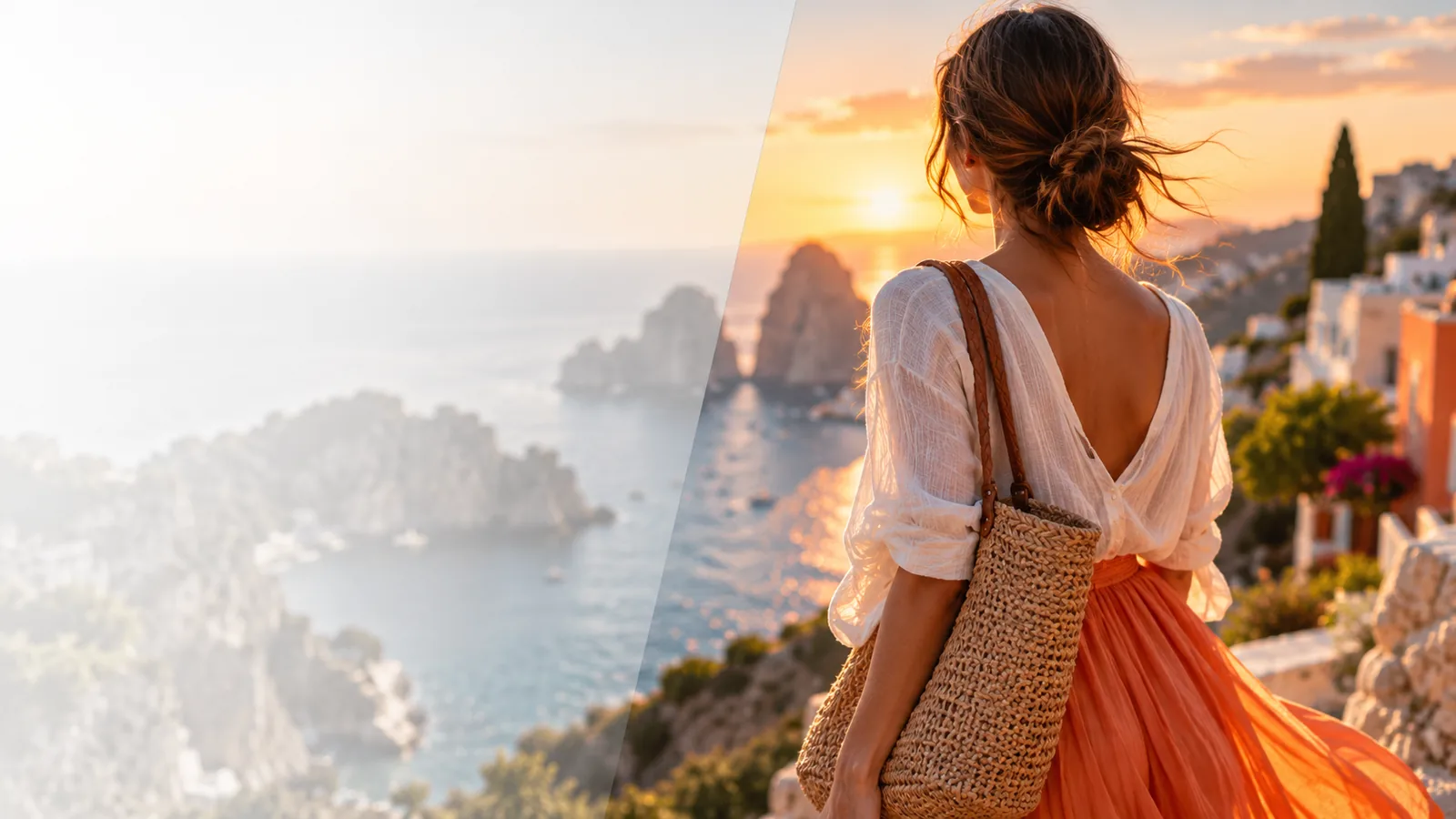
Choose the route that matches where you are in the visual process, from creating a first concept to improving an existing image.
The strongest use case depends on how much visual direction you already have and what you need the image to communicate.
You have a scene, product idea, or campaign direction but no finished visual reference.
A generated concept gives the team something concrete to discuss before production begins.
reference-led image to image workYou need an original visual starting point for a post, article, presentation, or mood board.
A focused prompt turns an abstract message into a shareable visual direction.
practical AI photo editingYou are comparing different moods, settings, or compositions for the same idea.
Prompt variations make early visual exploration easier to review and refine.
image upscalerYou want to visualize a product scene or brand atmosphere before arranging a formal shoot.
A draft image helps clarify the intended setting, tone, and audience response.
image-to-image referencesKeep the first pass specific and purposeful. A useful result gives you a better basis for the next prompt than a vague request does.
Name the main subject, setting, mood, and visual priorities. Put the most important information early so the direction is easy to interpret.
Treat the initial image as a visual draft. Check whether the composition, atmosphere, and subject match the purpose behind your prompt.
Adjust one or two meaningful details at a time, such as the environment, lighting, viewpoint, or level of realism.
Both approaches can support visual exploration, but they begin with different kinds of input and suit different stages of a project.
Prompt-first generation
A written description of the desired image
Source-guided editing
An existing image used as visual reference
Prompt-first generation
Creating an initial concept from a blank page
Source-guided editing
Building on a composition or subject you already have
Prompt-first generation
Controlled through wording, priorities, and refinements
Source-guided editing
Anchored by the reference image plus requested changes
Prompt-first generation
Subject, setting, mood, lighting, and viewpoint
Source-guided editing
Reference image, intended change, and preserved details
Prompt-first generation
A new visual interpretation of the written idea
Source-guided editing
A variation that remains connected to the source
Prompt-first generation
More creative range, but less certainty about exact details
Source-guided editing
More continuity, but less distance from the original image
Prompt-first generation
Refine the prompt around the most visible mismatch
Source-guided editing
Specify which source elements should remain or change
Generated visuals are useful drafts and exploration tools, not a guarantee of exact production-ready output. These boundaries help set the right expectation.
Small lettering, labels, and detailed typography can be inconsistent in a generated scene.
WorkaroundUse the image as a visual base, then add final text in a design or editing workflow.
Hands, repeated objects, tiny patterns, and intricate accessories may change between variations.
WorkaroundKeep the prompt focused and inspect important details before using the image publicly.
A short description may leave composition, styling, and visual hierarchy open to interpretation.
WorkaroundState the subject, setting, mood, viewpoint, and most important visual constraint.
A useful concept often needs several rounds of review and refinement to match its intended purpose.
WorkaroundChange one meaningful element at a time so you can tell which instruction improved the result.
The comparison below shows the kind of transformation this workflow is designed to support: moving from a verbal direction to a concrete image reference.
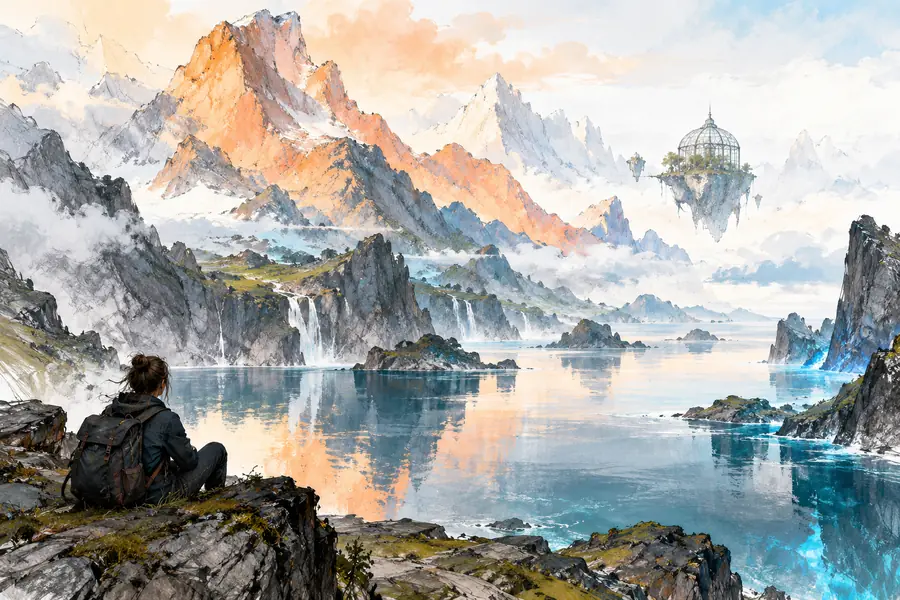
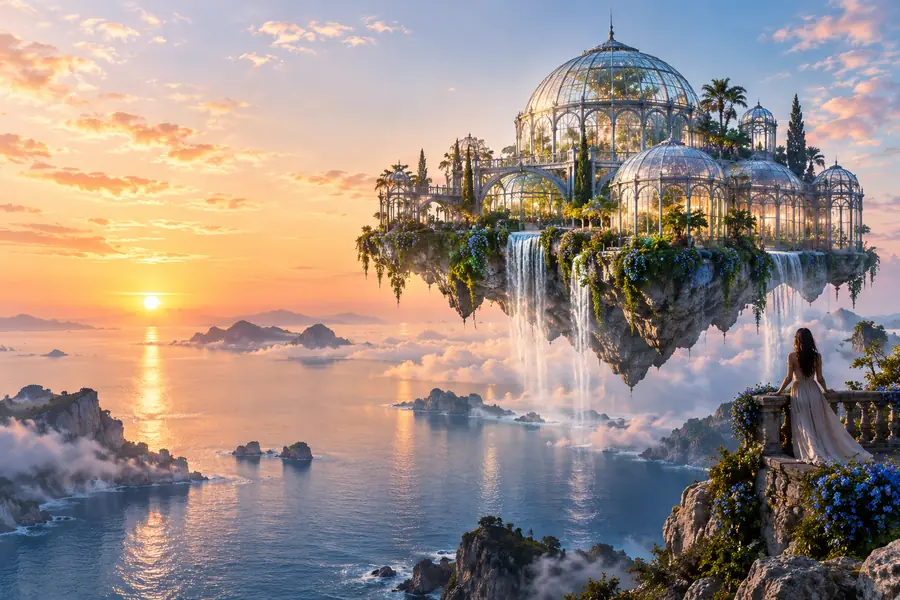
A draft makes the idea easier to review, adjust, and share.
Describe the subject and the feeling you want to communicate, then use the first result to discover what needs more direction. A focused prompt is often enough to turn an unfinished thought into something your team can evaluate.
Straight answers about using a prompt-led workflow for visual exploration.
Start with the main subject, setting, mood, and intended visual style. Add the viewpoint, lighting, or important details that would change how someone understands the scene.
A source image can be useful when composition, subject identity, or visual continuity matters. For that workflow, an image-to-image approach is usually more suitable than starting from text alone.
A prompt leaves some visual choices open, so the result may interpret composition or fine details differently than you expected. Make the key constraint more explicit and refine one visible mismatch at a time.
Readable small text can be inconsistent, especially in busy scenes or at a distance. Treat the generated image as a draft and add essential wording separately during final design work.
It may be useful as a finished visual, but it should still be reviewed for subject accuracy, unwanted details, and text quality. When the image supports an important message, plan a refinement or finishing pass before publishing.